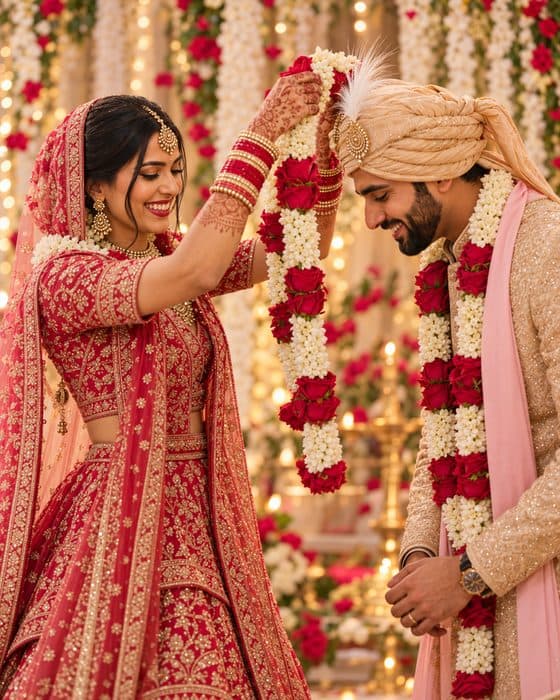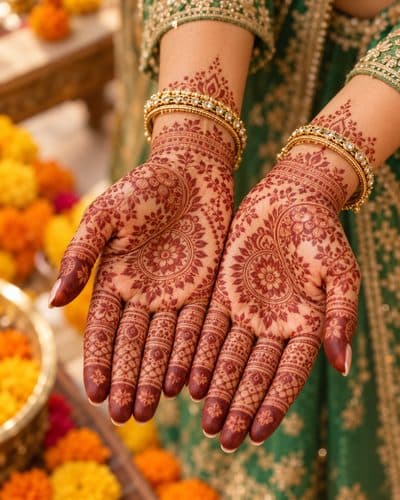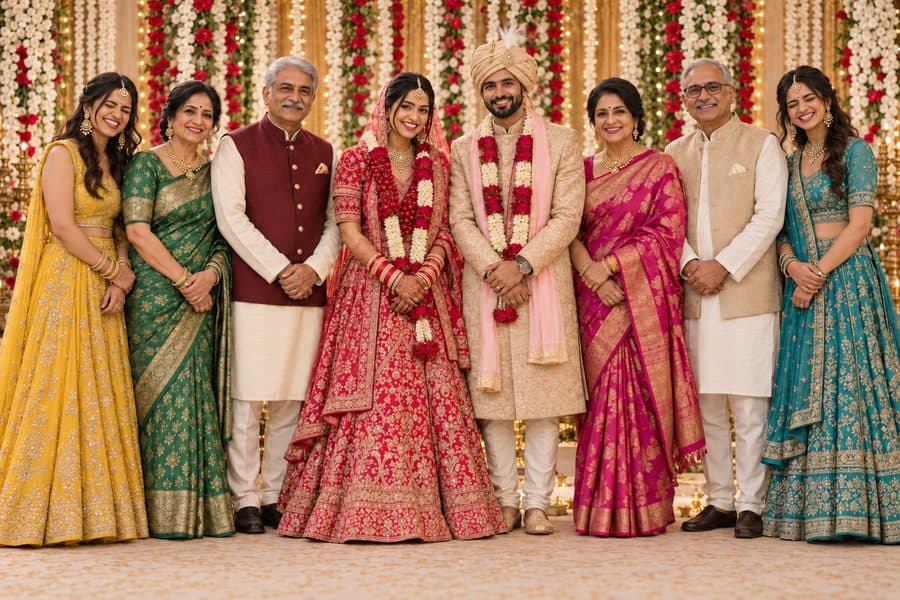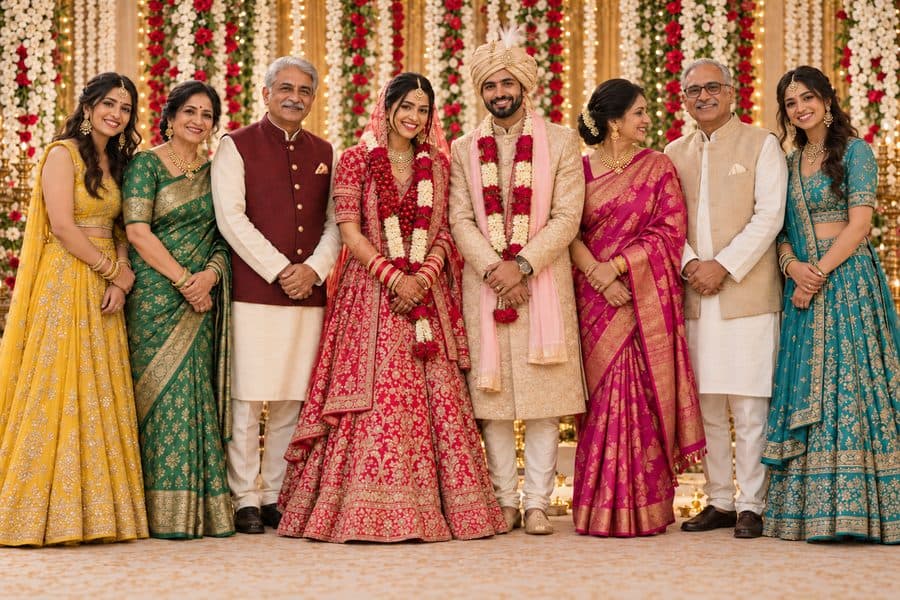
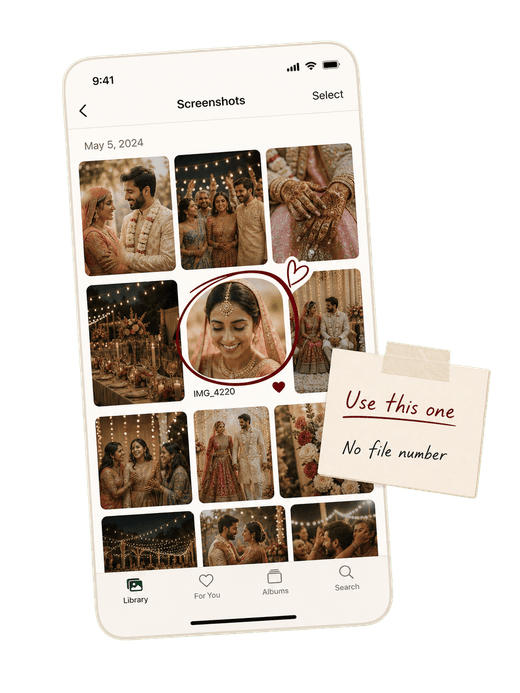
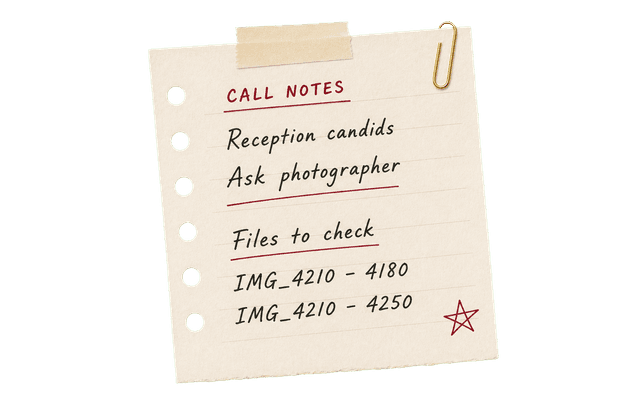
Too many photos, too little context
Thousands of thumbnails arrive at once, with no clear story, people, or moments to guide the first pass.
All your wedding photos, beautifully organized by AI.
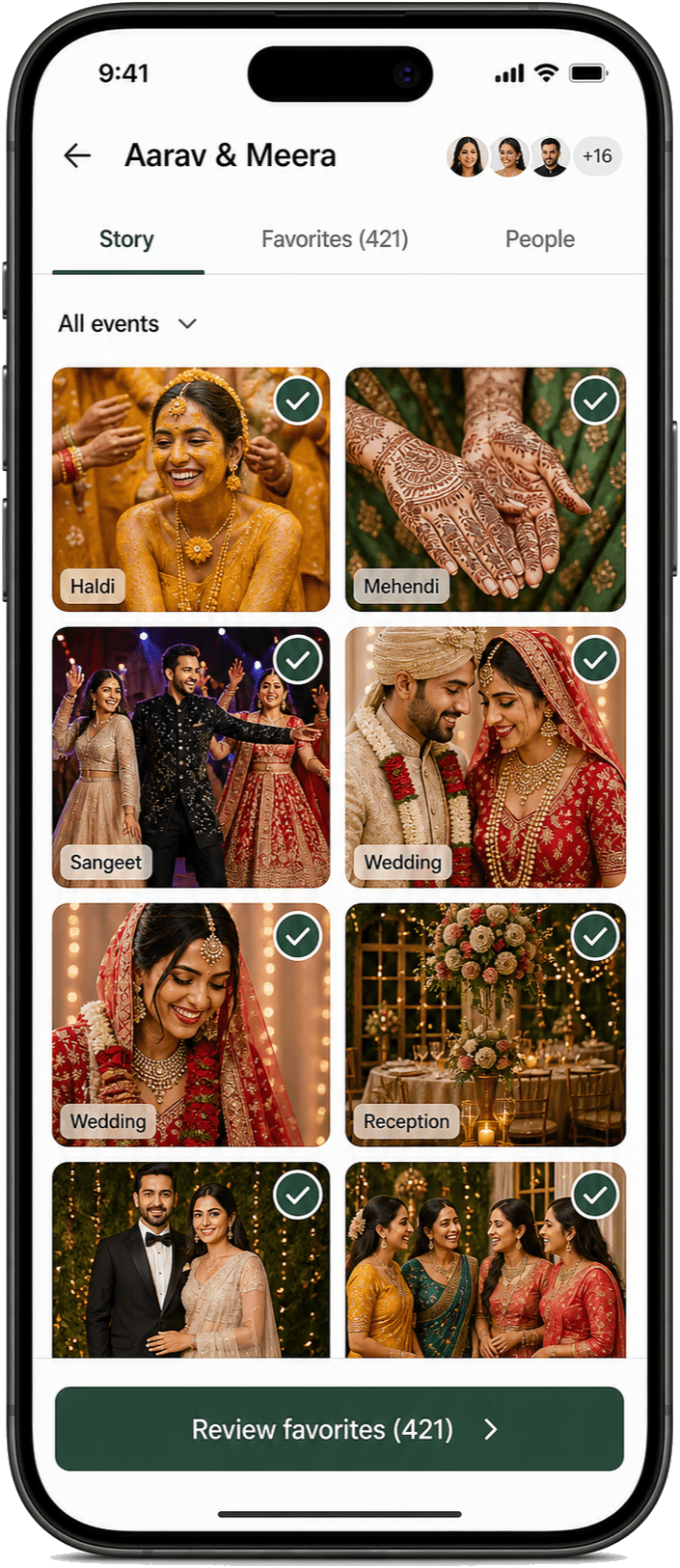
Browse the whole story on your phone, pick your favorites, and finish what used to take months — in one sitting.
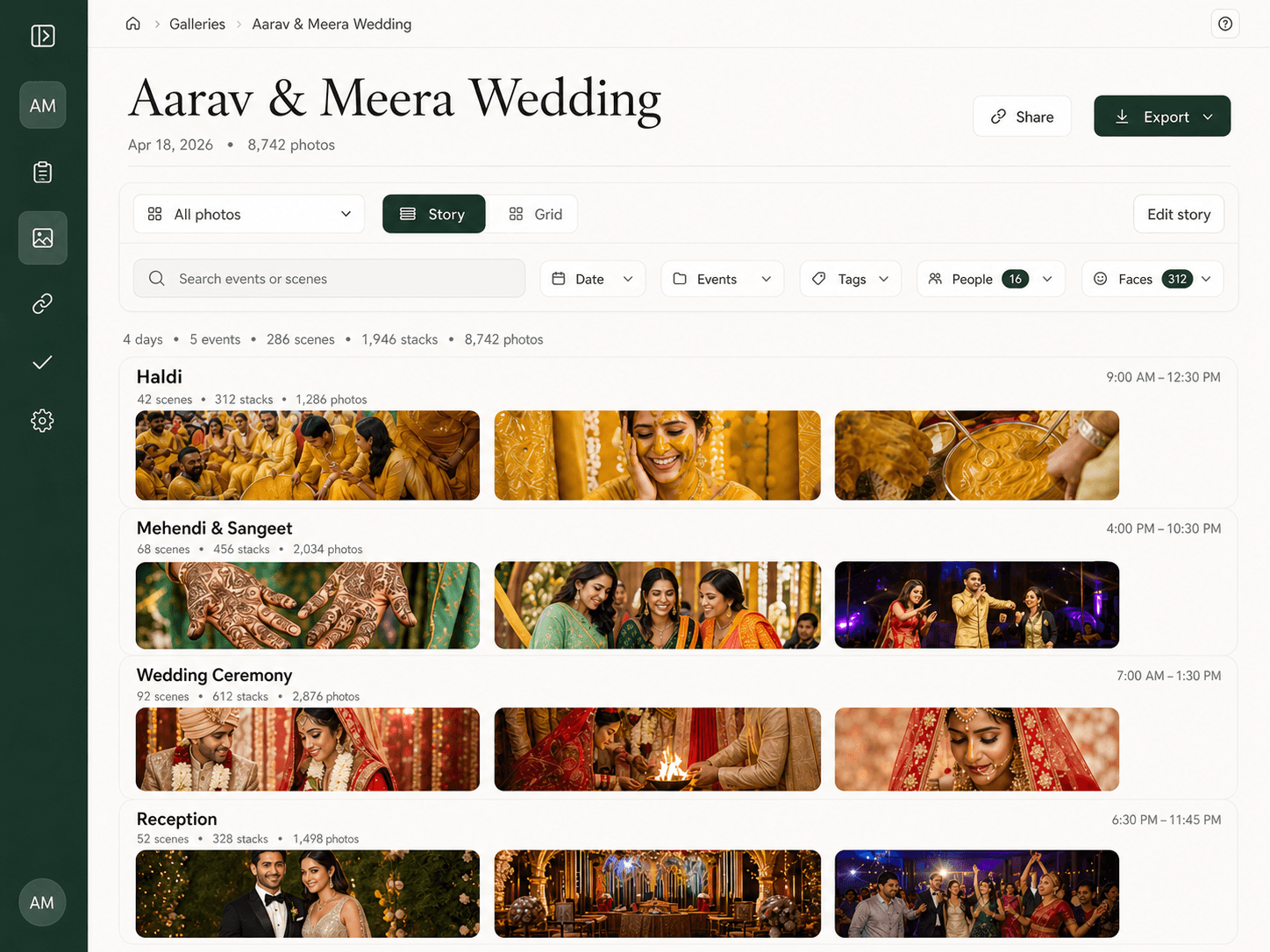
PickMyPix organizes every photo by day, event, and scene, and groups near-identical shots into stacks. Thousands of photos become a few hundred easy choices.
The wedding in date order.
Each ceremony kept on its own.
Every event split into its moments.
 Arrival
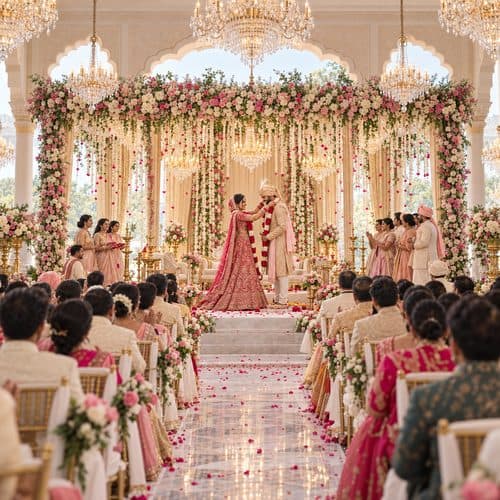 Varmala
 Pheras
 Sindoor
Near-identical shots grouped as one.
 3
3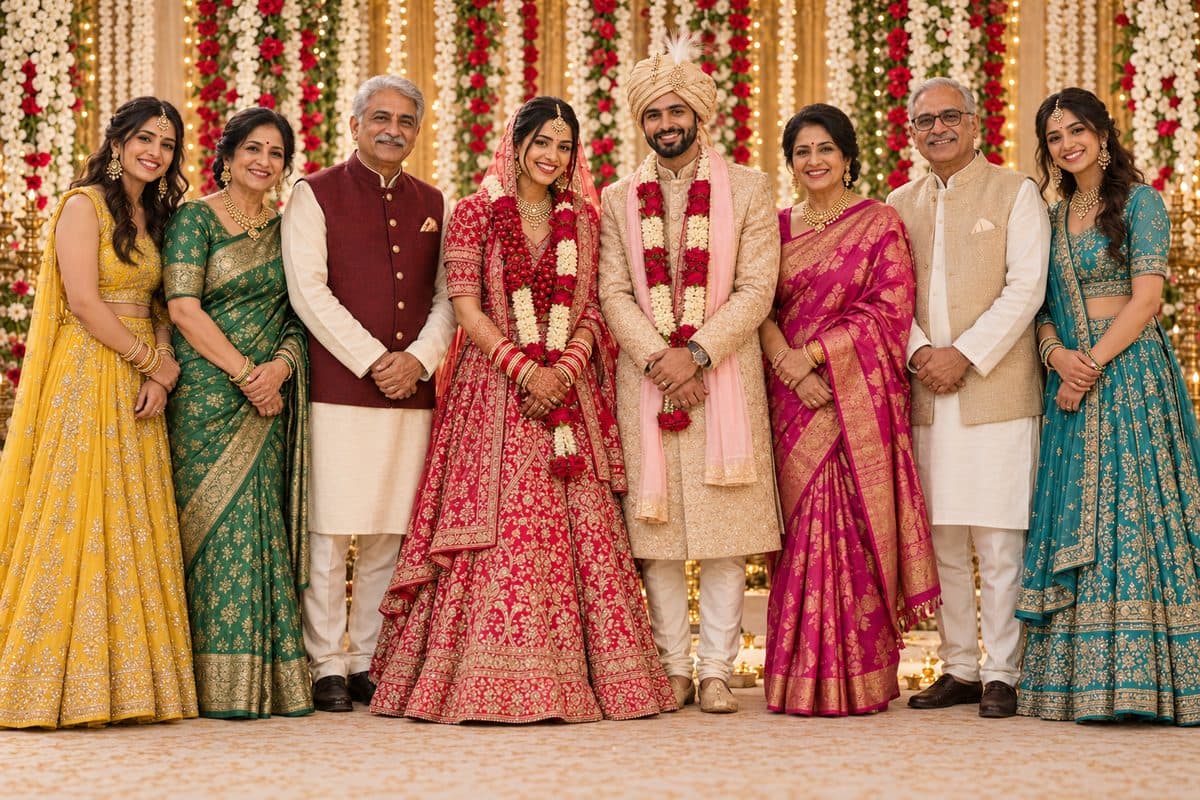 5
5 2
2 7
7The suggested pick, shown first.
Suggested pickWedding galleries are beautiful. Choosing from thousands of images is where the process starts to feel heavy.
Thousands of thumbnails arrive at once, with no clear story, people, or moments to guide the first pass.
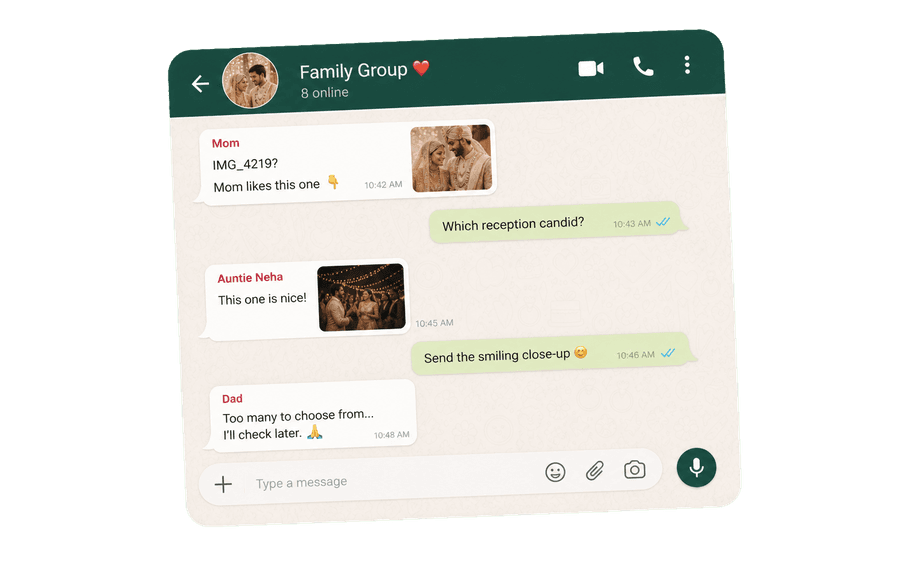
Favorites land in WhatsApp threads, screenshots, calls, and forwarded messages instead of one shared place.
Couples end up sending IMG_4219 and IMG_4220 back and forth, hoping nothing gets missed or mistyped.
The photos are ready, but the final selection drags on because deciding feels bigger than anyone expected.
PickMyPix turns thousands of photos into a story your family can browse, choose from, and submit without file-name lists.
Guests take a selfie to see every photo they’re in. It only searches this gallery.
Choose a face to see that person across every day and event.
Near-duplicates are grouped together, with a suggested pick shown first.
Private galleries, protected links, and only private AI models. Never used for AI training, never sent to ChatGPT or other public AI.
Review favorites, submit once, and send a clean selection list.
Upload once, keep control of the story the AI builds, and get the selection back as a list your album team can use. How studios use PickMyPix →
Set each camera’s clock offset, with suggestions where the photos prove it, so a second camera’s frames land in the right moment.
Rename, merge, or split scenes, and choose which photo leads each stack.
See which couples have submitted, and download each selection as a CSV for production.
Start with the full wedding gallery, uploaded by the studio or imported from a Google Drive folder.
Photos become events, scenes, people, and similar-shot groups instead of one endless grid.
Couples and family browse from any browser, mark favorites, and review the final list.
The finished selection becomes one organized submission, ready for album production.
© 2026 PickMyPix